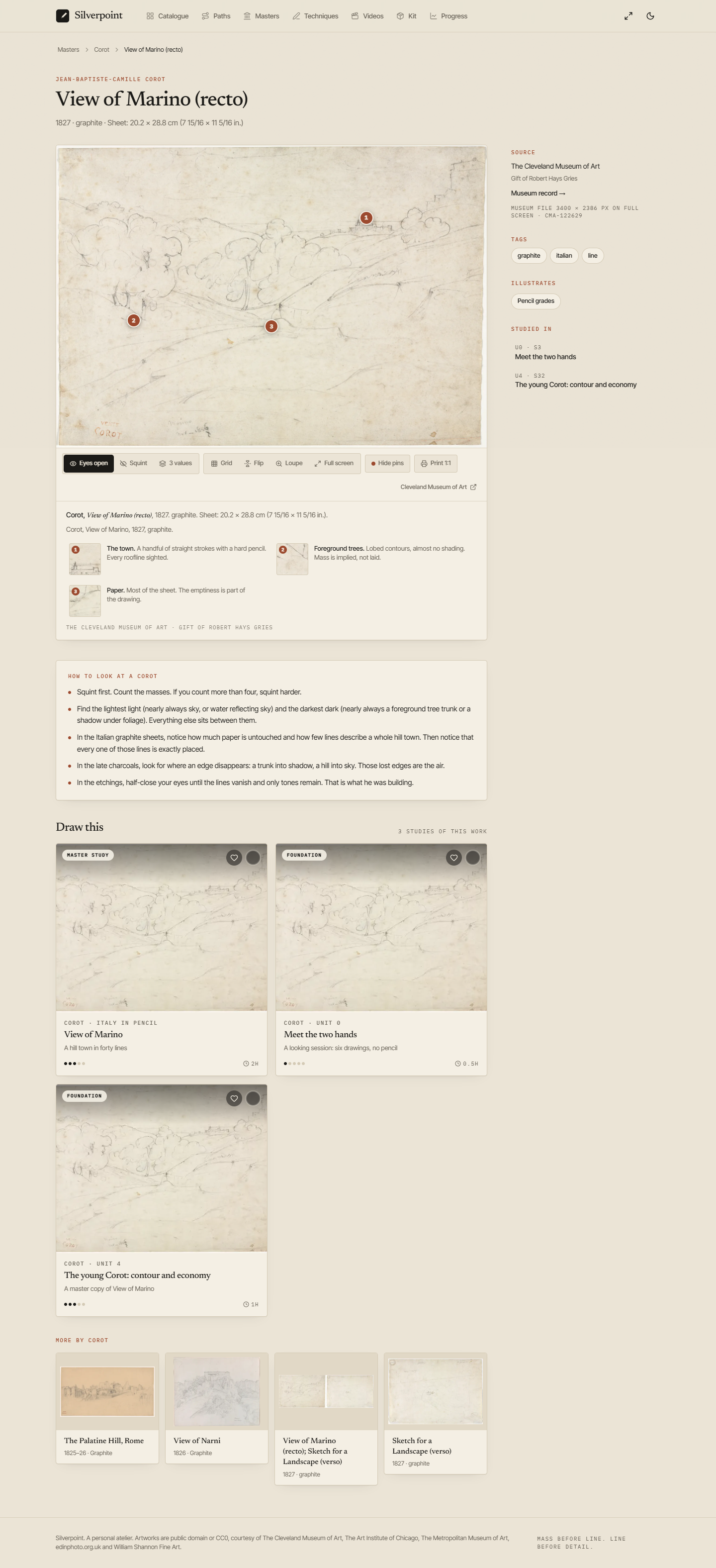
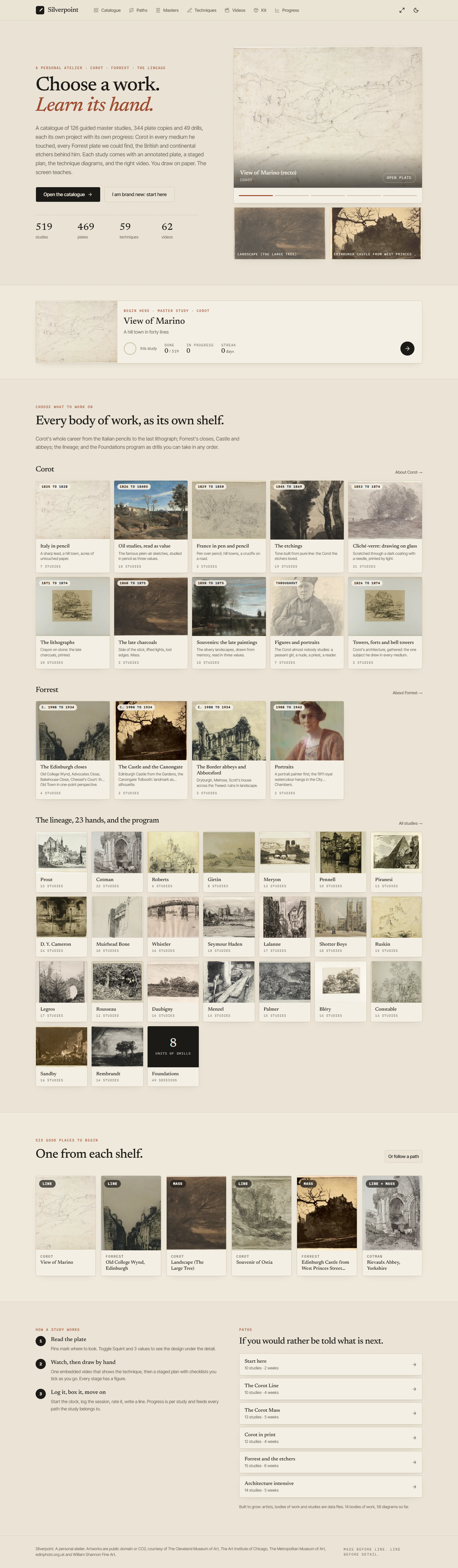
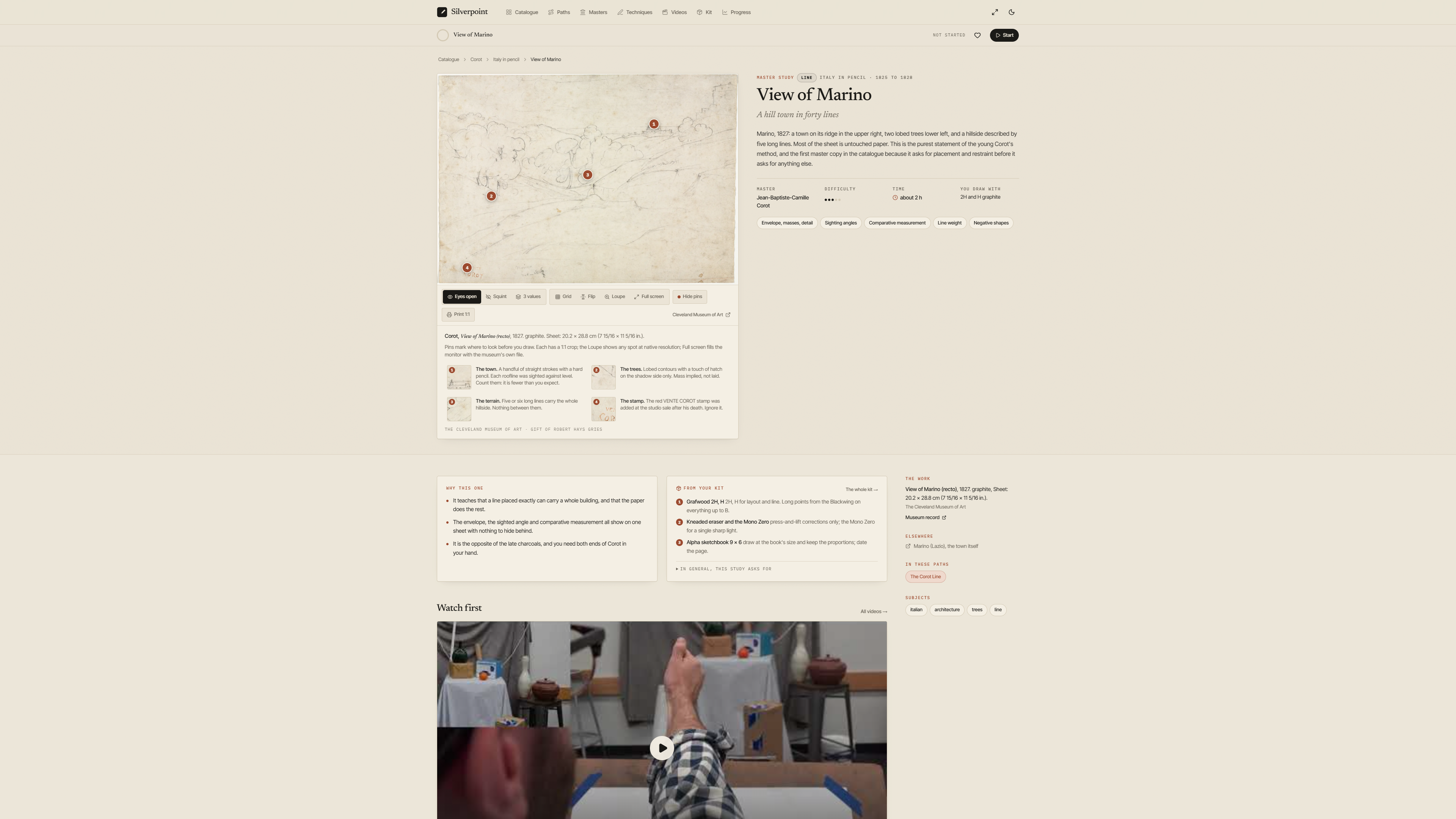
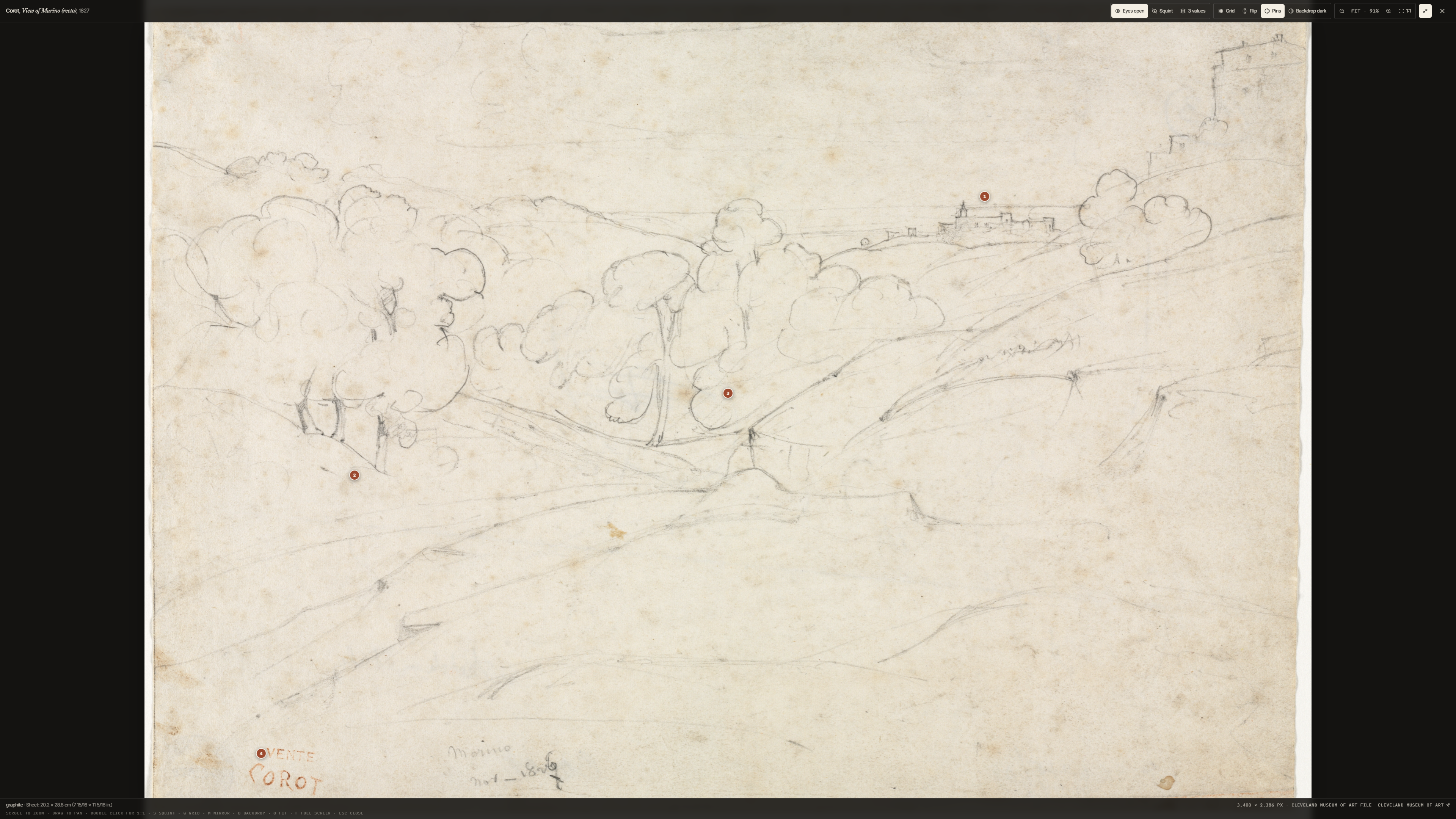
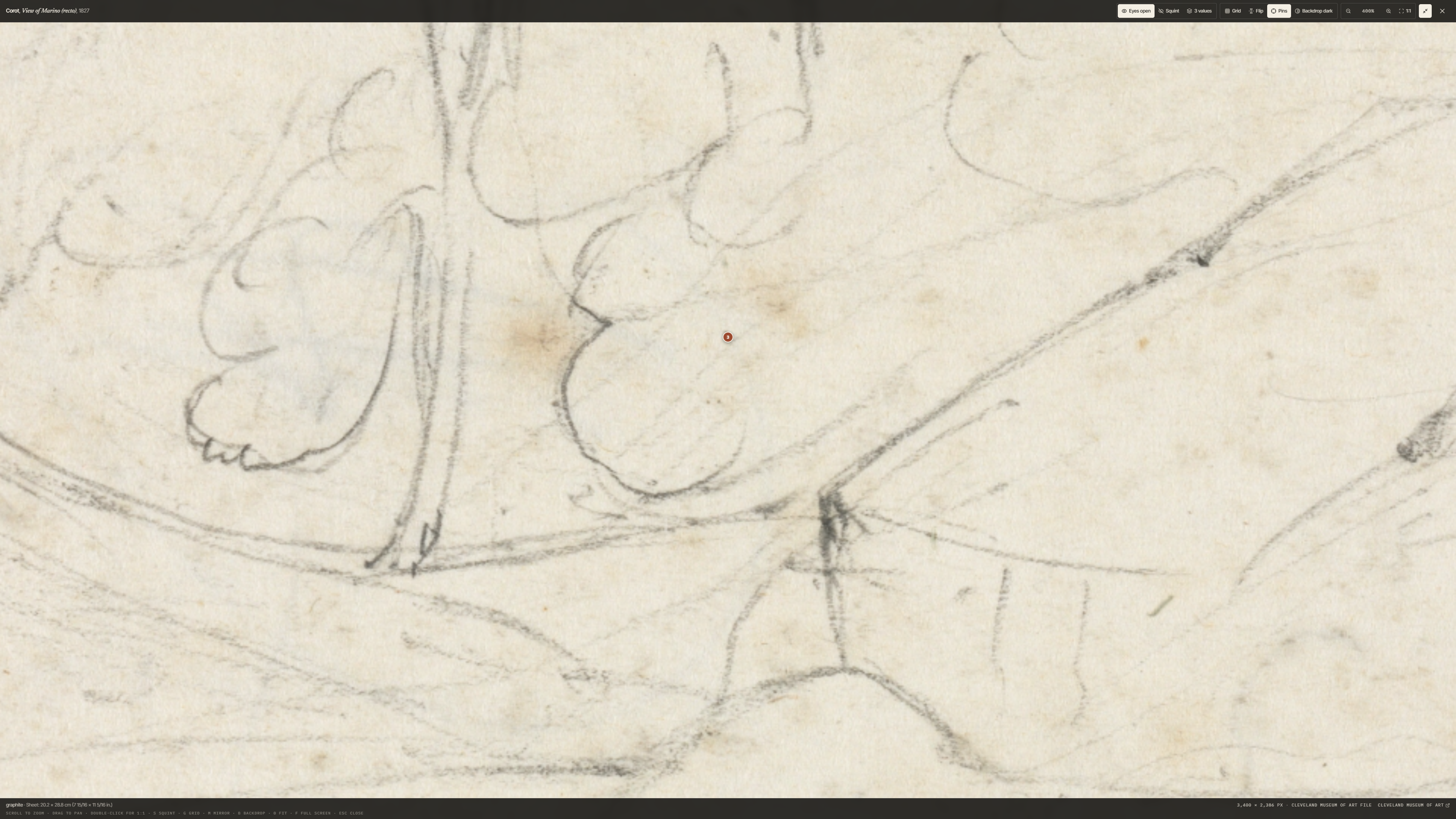
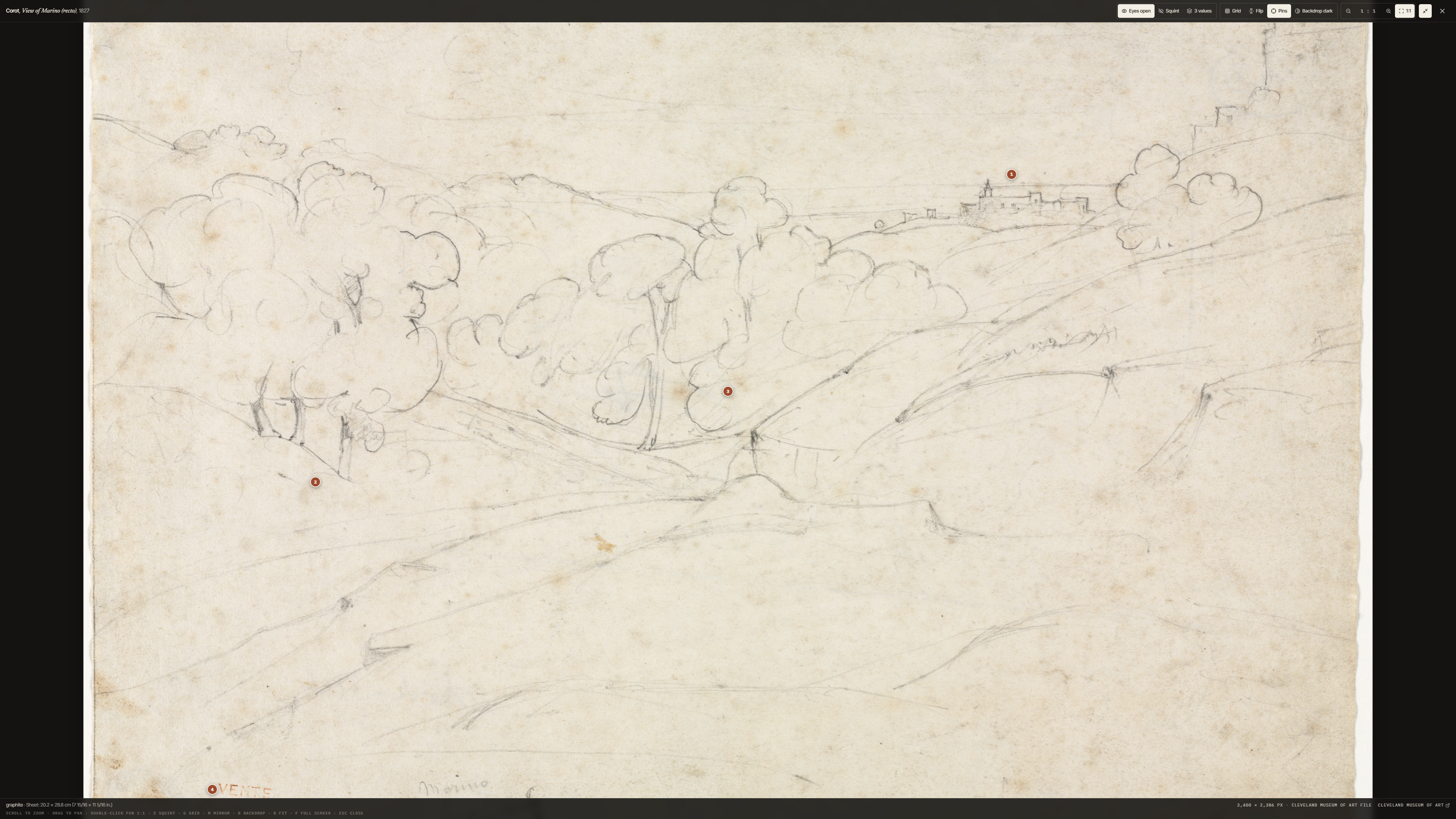
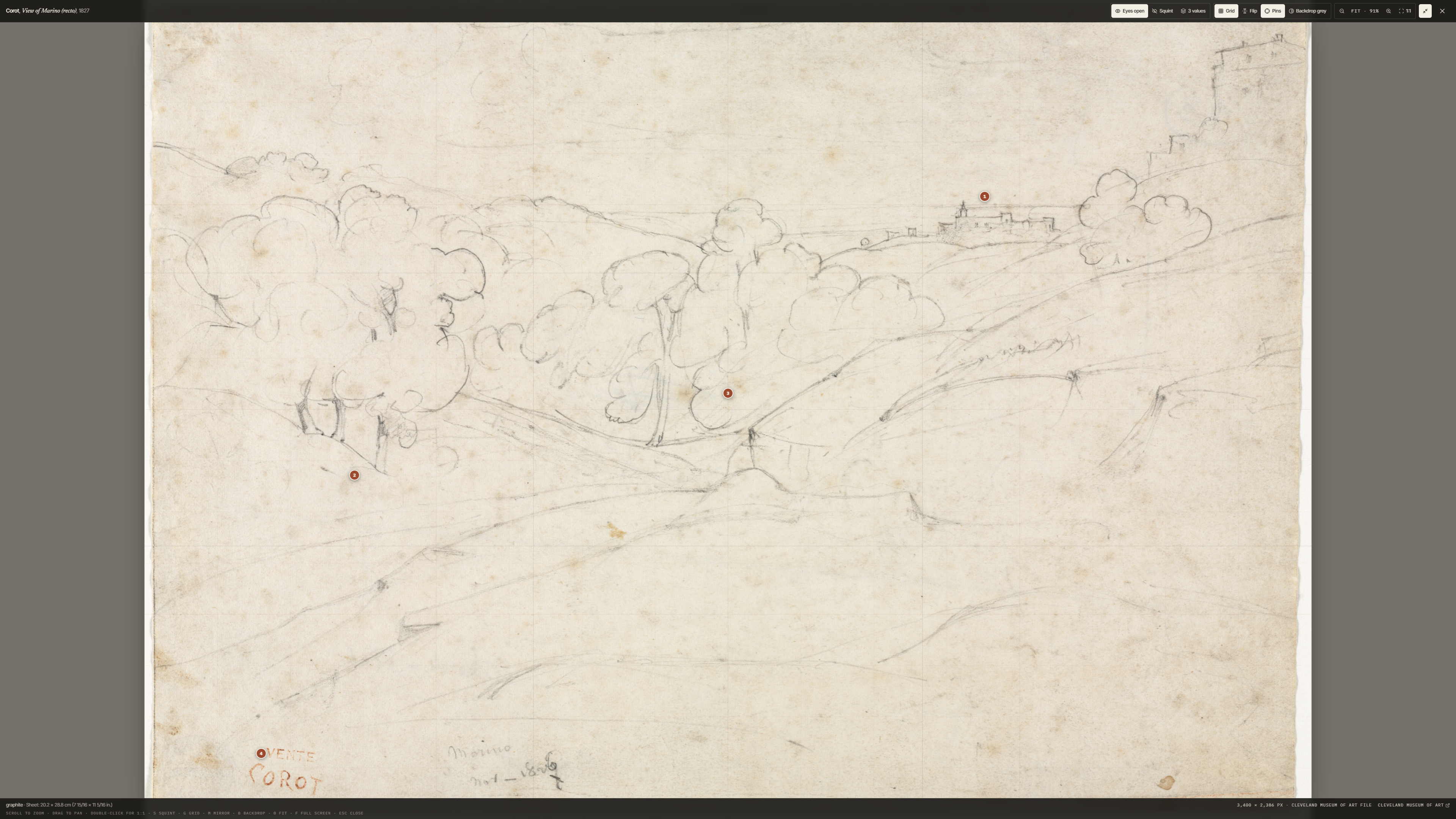
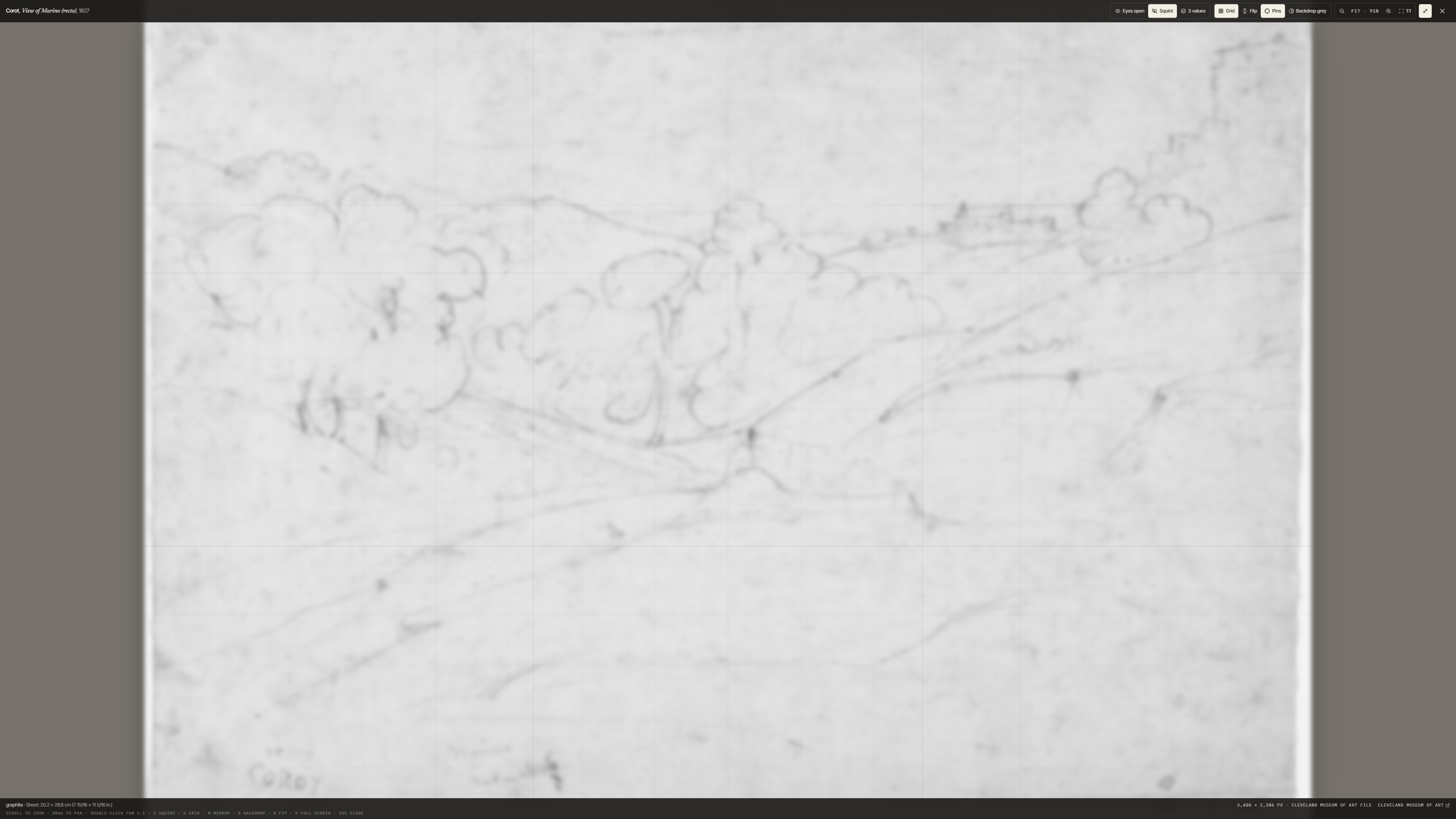
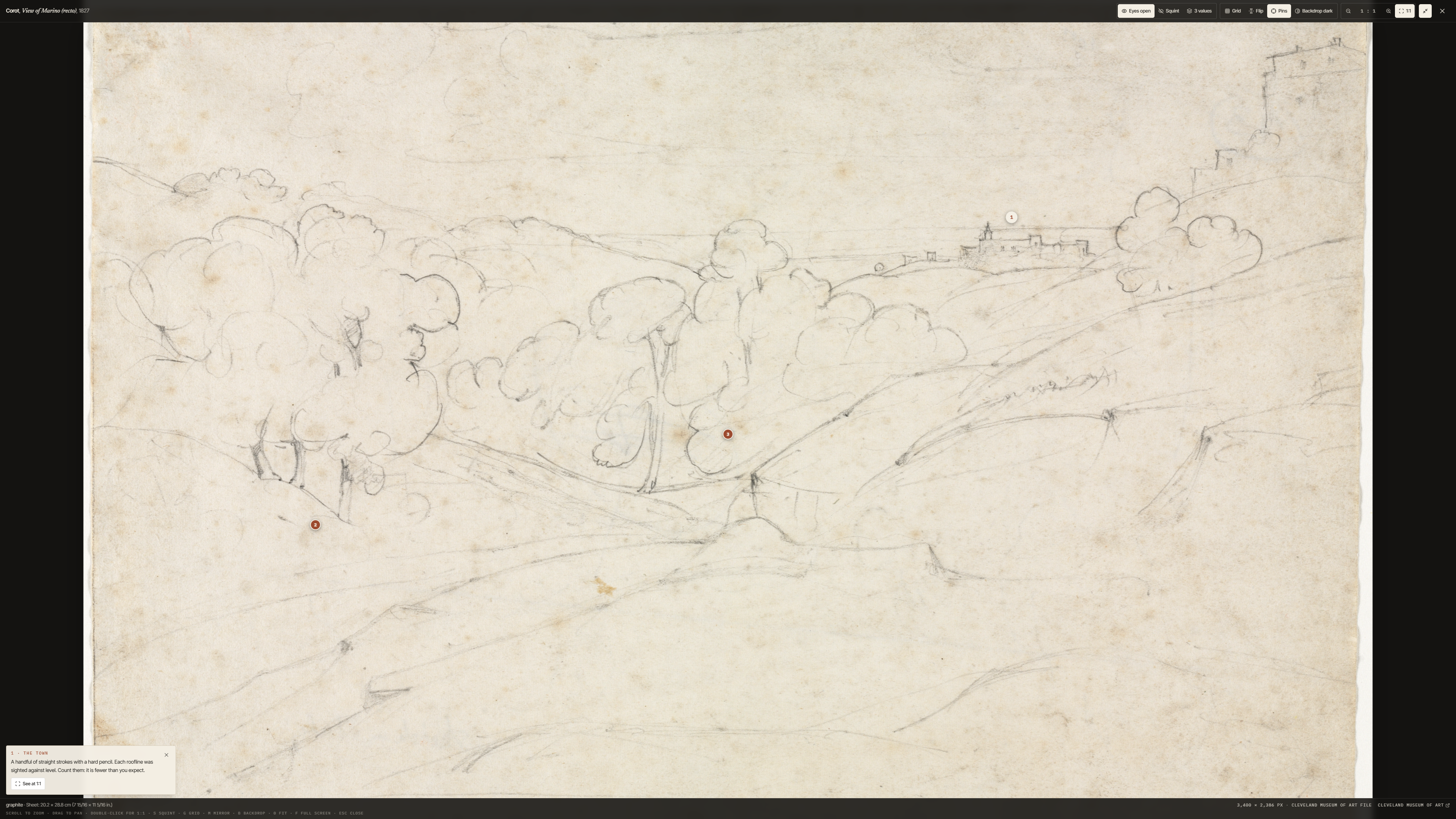
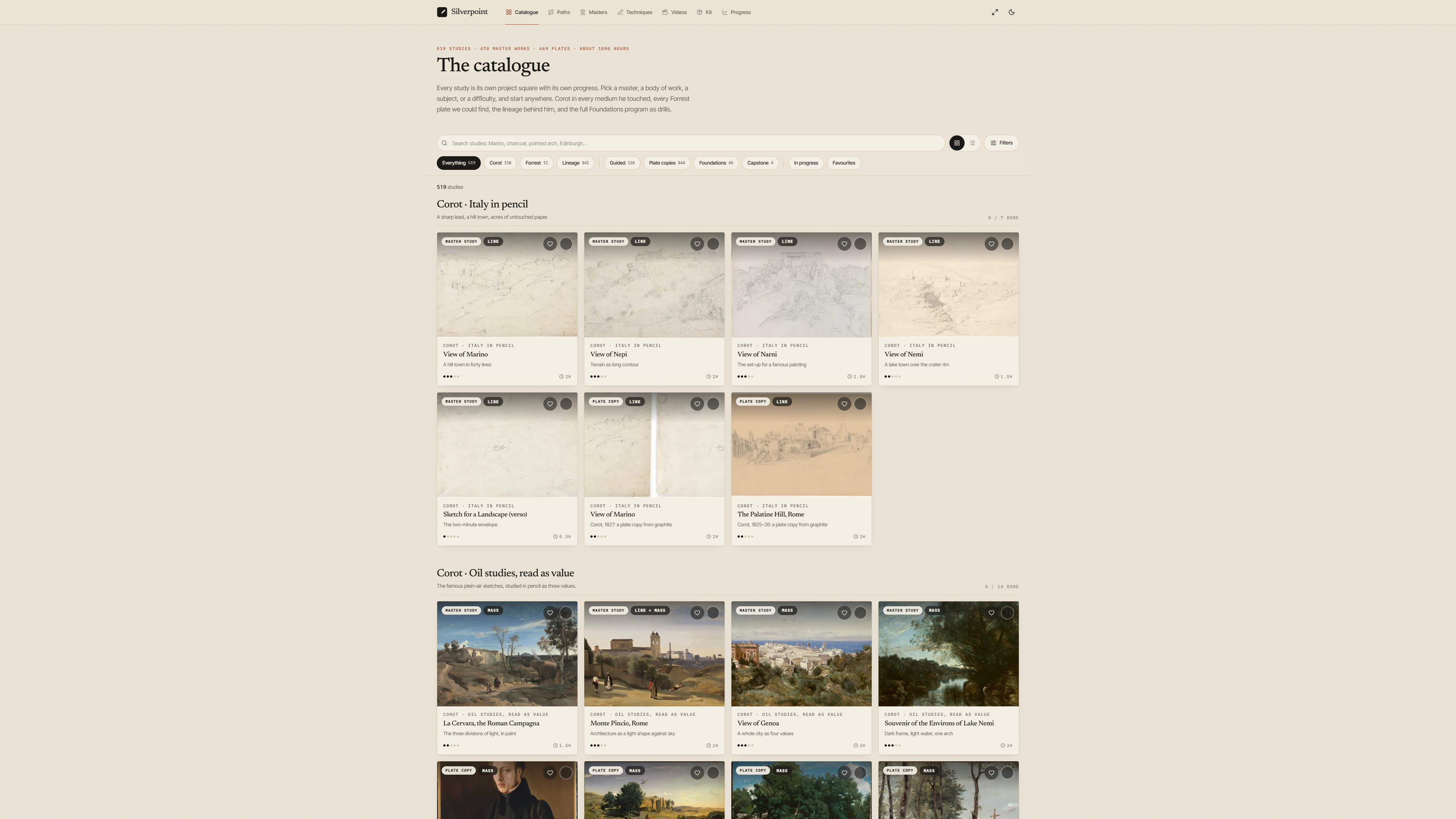
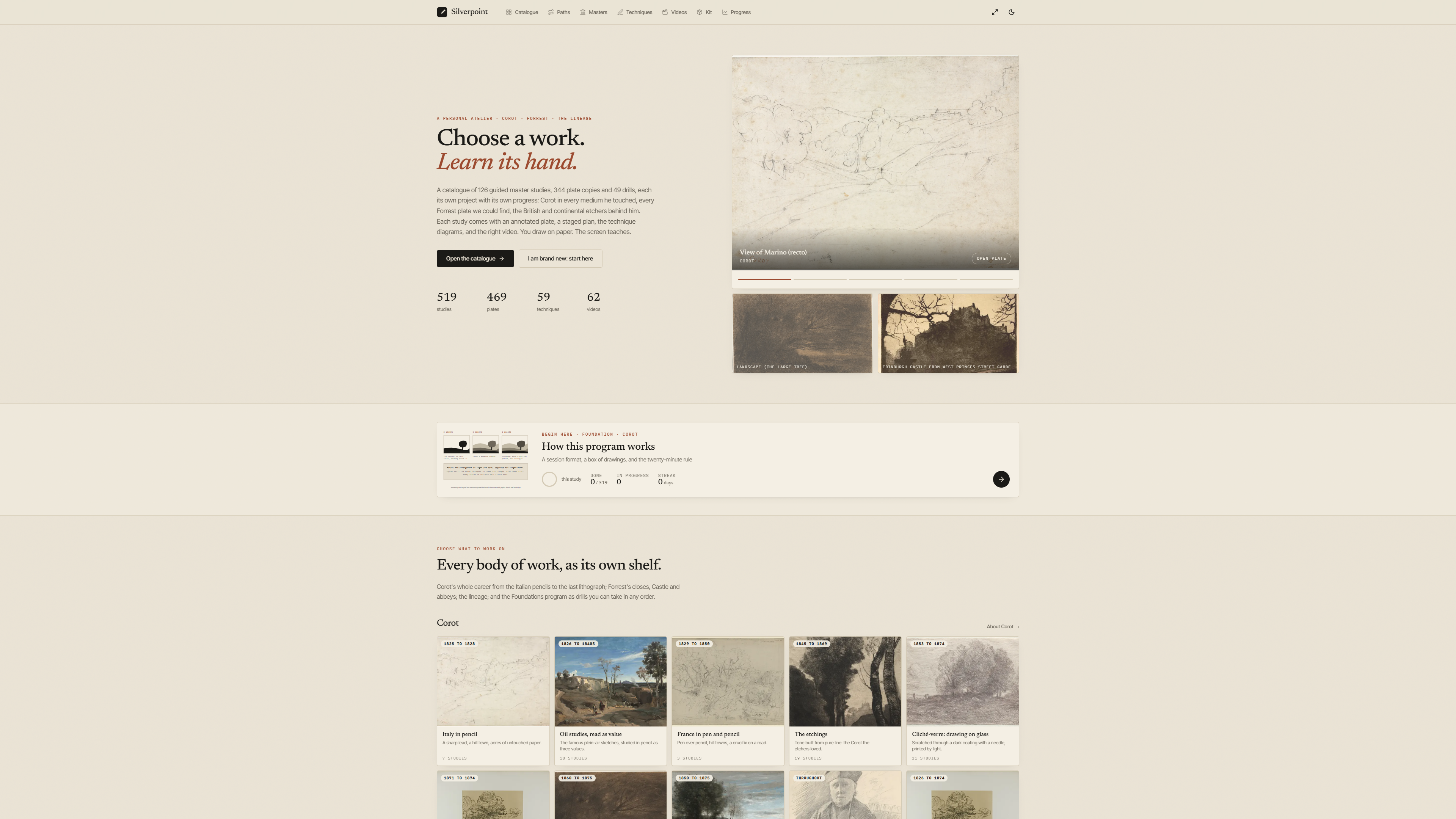
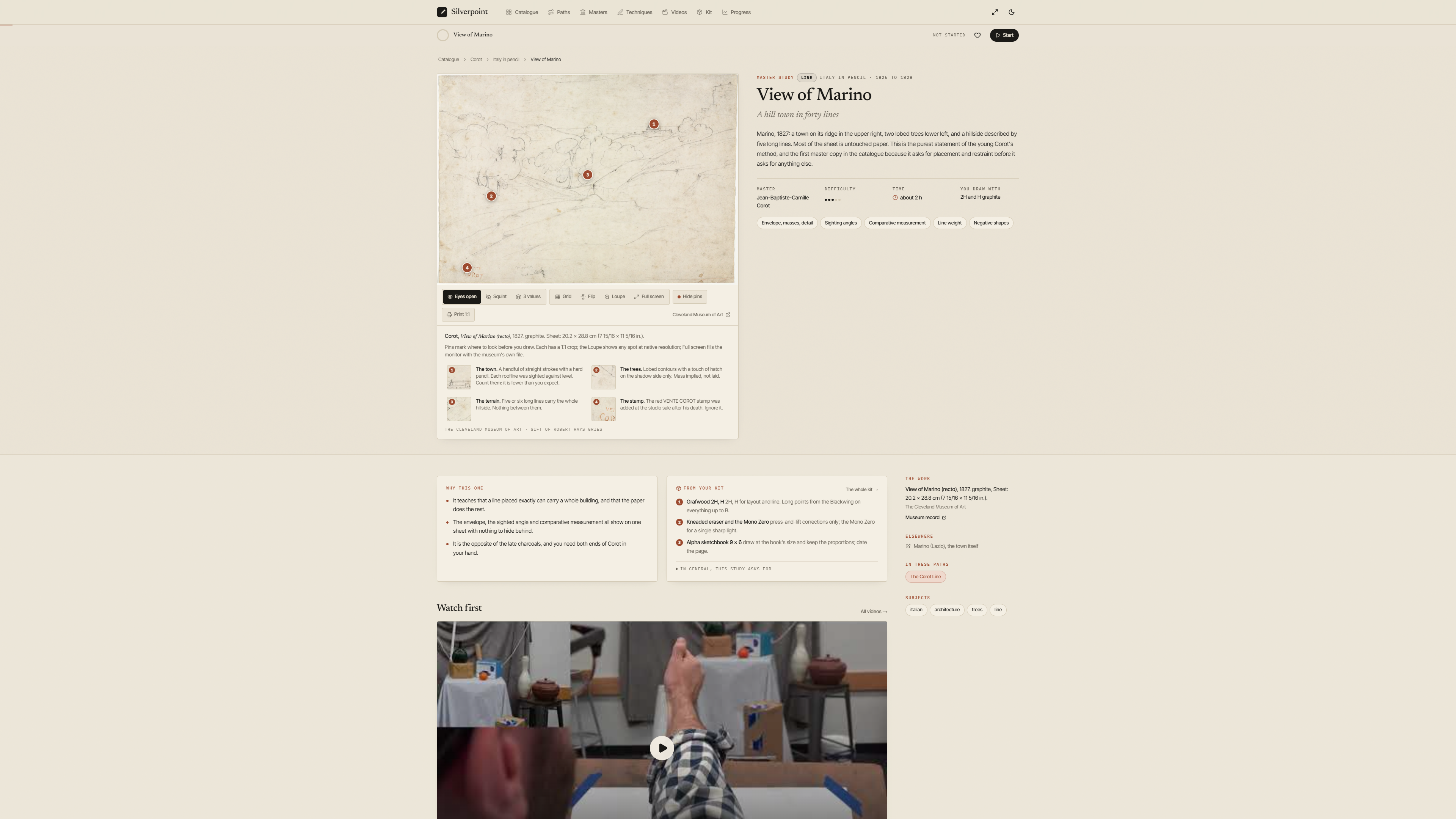
Study page: the toolbar gains Full screen next to Loupe01-study-marino-full-screen-button.pngPlate page aside now states the museum file size that full screen will load02-art-page-museum-file.pngHome with the header full-screen toggle03-home-header-toggle.pngThe Marino study page on a 3840 x 2160 viewport before opening the viewer4k-01-plate-page.pngFull-screen viewer at Fit: the Cleveland 3400 px file fills the 4K monitor, pins in place, chrome bars top and bottom4k-02-viewer-fit.pngScroll-wheel zoom around the pointer to 400 percent4k-03-viewer-wheel-zoom.pngThe 1 key: one image pixel per screen pixel (3400 px wide on a 3840 px screen)4k-04-viewer-1to1.pngG grid (thirds plus 16 by 16) and B backdrop switched to neutral grey for value judgement4k-05-viewer-grid-grey.pngS squint applied to the museum file at full screen4k-06-viewer-squint.pngPin 1 opened; See at 1:1 jumps the view to the pin at native pixels4k-07-viewer-pin-1to1.pngCatalogue at 3840 px4k-catalogue-vp.pngHome at 3840 px: content container widened to 1600 px for very wide screens4k-home-vp.pngStudy page at 3840 px4k-study-marino-vp.pngMobile 390 px: the study page with the new toolbar button, no horizontal overflowm1-study-marino.png